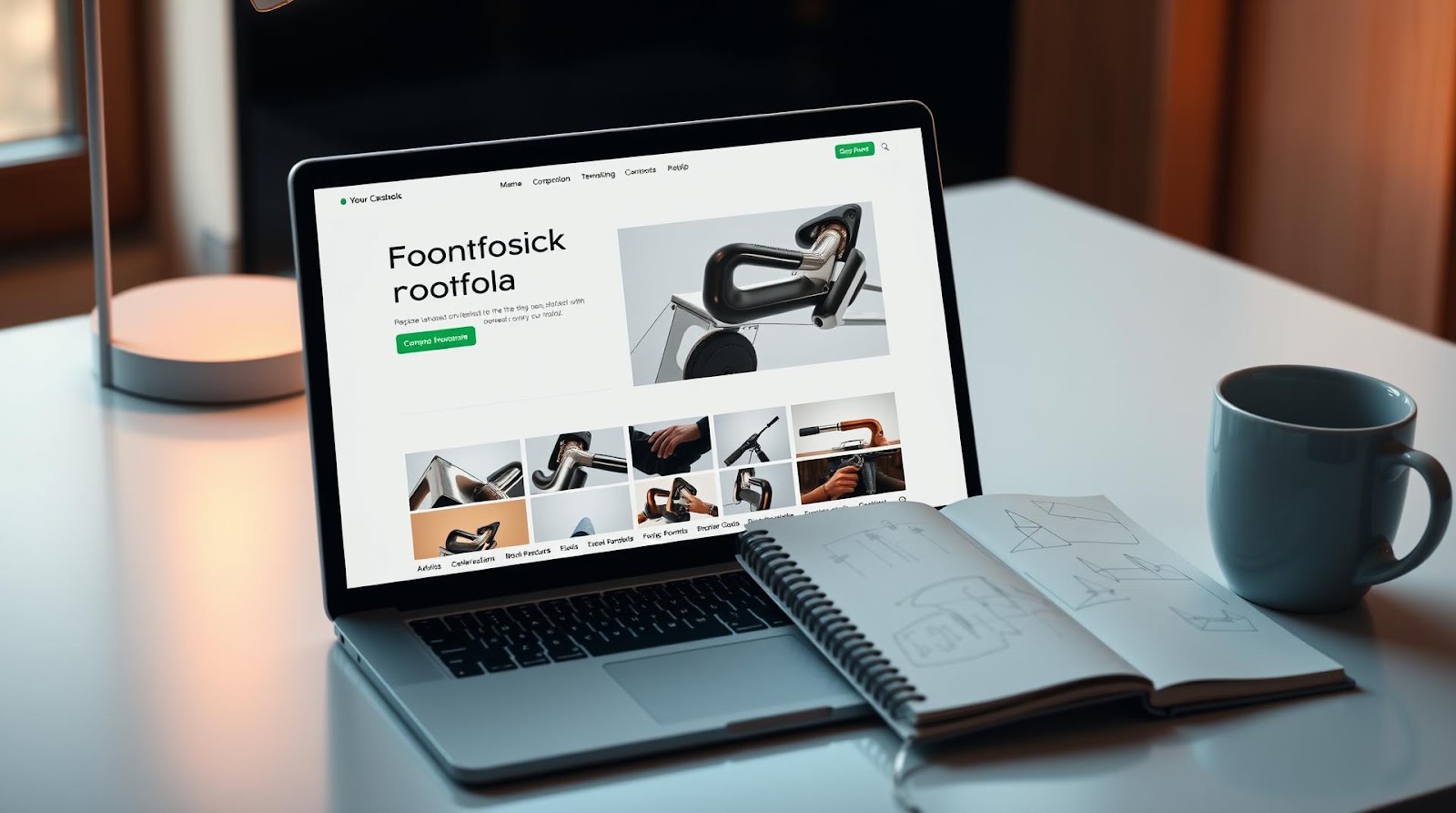
I'm going to be honest with you — I almost didn't build my portfolio website.
Three years ago, when I was trying to pivot from a steady corporate analytics job to freelance data consulting, I thought a portfolio was "nice to have." Something for people with design degrees or fancy tech jobs. I figured my LinkedIn was enough.
Then I lost out on three different projects to people who had one. Not because they were better than me — I saw their work later. But because when a potential client Googled them, there was something there. A place where they could see projects, read their thinking, understand how they worked. Something that said, "This person is serious about what they do."
That's when it clicked. A portfolio website isn't about being a designer or a developer. It's about proof. It's about showing your work in a way that feels intentional and professional. And the best part? You can build one without spending a single rupee.
Let me walk you through how I did it, and why it completely changed how people perceive my work.
The Real Reason You Need This (Not the LinkedIn Excuse)
Here's the thing about LinkedIn — it's great for staying in touch and looking professional. But it's their platform, not yours. Your data lives there. Your profile can get buried in an algorithm. And honestly? It feels corporate and stiff.
A portfolio website is different. It's your stage. It's where you control the narrative.
When someone meets you at a networking event, or gets your resume through a job board, or finds you through a referral — the first thing they do now? They Google your name. If they find a portfolio, they spend 2-3 minutes there. If they don't find anything, they move on. No second chances.
I've seen this play out dozens of times. A friend of mine, Priya, was applying for senior product roles after 8 years in tech. She had great experience but kept getting rejected in early rounds. We built her a simple portfolio showcasing 3 key projects — the business impact, the challenges, her role. Within a month, she got 5 interview calls. Same resume, same credentials. Different presentation.
Whether you're a designer, developer, writer, marketer, analyst, or literally anyone trying to build credibility in your field — you need this.
The Free Tools That Actually Work (I've Tested Them All)
And honestly? The hardest part isn't building the website. It's choosing from the ridiculous number of free options available.
Notion + Notion Sites
This is where I'd start if I were beginning today. Notion is something most Indians already use for note-taking and project management, so there's no new tool to learn. Their Sites feature lets you turn a Notion database into a public website that actually looks good.
The pros: It's genuinely free. Looks clean and minimal. Fast to set up. You can update it whenever you want without technical knowledge. No coding, no hosting headaches.
The cons: You're still somewhat limited in design customization. Your website will use a Notion subdomain unless you upgrade (which costs money). It's not ideal if you want something super unique.
Cost: Completely free.
GitHub Pages + Jekyll (For Tech People)
If you're a developer or someone comfortable with code, this is beautiful. GitHub Pages hosts static websites for free, and Jekyll lets you build fast, minimal portfolio sites without a database.
The pros: Total control. You own the domain if you add a custom one (around ₹500-1000/year). Lightning fast. Looks extremely professional. You learn Git and version control in the process.
The cons: You need to be comfortable with terminal commands. Setup takes 2-3 hours if you're new to it. Templates can look samey if you don't customize them.
Cost: Completely free (except optional custom domain).
Webflow (The Goldilocks Option)
Webflow sits in this sweet spot where it's powerful enough to look custom, but easy enough that you don't need to code. I've used it, and honestly, it feels like playing with a very smart design tool.
The pros: Beautiful templates. Drag-and-drop interface that's actually intuitive. You can export your code if you want to move later. Decent free plan.
The cons: The free plan is a bit limited (you get a webflow subdomain, not your own domain). Paid plans get expensive. The learning curve is steeper than Notion.
Cost: Free with Webflow subdomain; ₹2,000+ per month for custom domain.
Wix (The Training Wheels Option)
Wix is extremely beginner-friendly. Drag templates, add your content, publish. Done.
The pros: Dead simple. Tons of templates. Feels professional quickly. Good built-in SEO tools.
The cons: It's a bit clunky once you want to do something custom. The free plan shows ads and uses their domain. It's not the fastest loading website.
Cost: Free with Wix branding; ₹200-500/month for a domain and ad-free version.
| Platform | Ease of Use | Design Control | Free Plan Quality | Best For |
|---|---|---|---|---|
| Notion Sites | Easiest | Medium | Excellent | Non-technical, quick launch |
| GitHub Pages | Hard | Complete | Excellent | Developers, engineers |
| Webflow | Medium | Very High | Good (Webflow domain) | Designers, visual people |
| Wix | Very Easy | Low | Good (Wix branding) | Absolute beginners |
My recommendation? Start with Notion. It's free, it's good-looking, and if you already use Notion for work, you'll feel right at home. You can always upgrade to something else later if you want more customization.
Building It in 3 Hours (The Actual Process)
Step 1: Plan Your Content (30 Minutes)
Before you touch any tool, spend time on this. What are you showing? Projects? Articles? Services? Case studies?
Write this down:
- What do you want people to know about you in 10 seconds?
- What are your 3-5 best pieces of work?
- What's one thing that makes you different from everyone else doing what you do?
For me, it was: "I make complex data stories simple for Indian startups." That's it. That clarity changed everything about how I built my site.
Step 2: Choose Your Template (15 Minutes)
Once you pick your platform, browse their templates. Don't overthink this. Pick one that feels close to what you want. You can always change it later (unlike your CRED score, which is permanent).
I chose a minimal portfolio template because I wanted my work to be the star, not flashy design effects.
Step 3: Write Your Core Content (90 Minutes)
This is the real work. Write:
- A homepage bio — 3-4 sentences about who you are and what you do. Not your resume. Your story.
- Project descriptions — For each project, write: What was the challenge? What did you do? What was the result? Include numbers if you have them.
- About page — A bit more personal. Where you're from, why you do what you do, what you're currently learning.
- Contact info — Email, LinkedIn, maybe Twitter. Not your phone number. Keep it professional.
And honestly? This is where most people mess up. They write like they're writing a resume. Stiff. Corporate. Boring.
Instead, write like you're explaining it to a friend. "I analyzed 6 months of customer data and found that 40% of users were dropping off at checkout because of a confusing flow. We fixed it, and revenue went up by 28%." See? That tells a story.
Step 4: Add Your Work (60 Minutes)
Upload images, screenshots, or links to your projects. If you're a writer, link to your best articles. If you're a designer, show your best designs. If you're a data analyst, show dashboards or visualizations.
Pro tip: Add 1-2 sentence captions under each project image. Context is everything.
Step 5: Polish and Publish (30 Minutes)
Proofread everything. Check it on mobile. Make sure links work. Then hit publish.
And here's the thing — it doesn't need to be perfect. Your first version will be 70% of what you eventually want. That's fine. You'll improve it as you go. The important thing is to have something live, something that people can see.
The Three Things That Actually Matter
1. Your story is more important than your design. I've seen portfolios with basic Notion templates that convert like crazy because the person writes well and has done interesting work. I've seen fancy Webflow sites that sit empty because there's nothing real to show.
2. Keep it updated. A portfolio that hasn't been touched in 6 months says more than you want it to. It says you're not actively doing work. Refresh your projects every 2-3 months. Add new wins. Update that about page.
3. Make it findable. Once your site is live, add it to your email signature. Put it in your LinkedIn bio. Share the link when you're talking to people about your work. The best portfolio in the world doesn't help if nobody sees it.
Final Thoughts
Here's what I know for sure: A simple portfolio website that's actually live is infinitely better than a perfect one that lives in your head. And it's infinitely better than waiting until you can afford to hire a designer.
You don't need to be a designer to build this. You don't need money. You don't even need technical skills if you pick the right tool. What you need is clarity about what you do and the willingness to put it out there.
When I published my first portfolio, I was nervous. It felt weird putting my work on display like that. But within a month, someone found it through a Google search and asked me to work on a project. That project led to three more. Those projects turned into case studies on my site. Those case studies led to better opportunities.
That's the compound effect of having a portfolio.
So here's what I want you to do: Pick a tool. Spend this weekend building something. It doesn't need to be perfect. It just needs to be live. Because the best portfolio site isn't the most beautiful one. It's the one that exists.
Go build it. Your future clients are probably Googling your name right now.
Written by Dattatray Dagale • 13 May 2026




.png)
.gif)


0 Comments