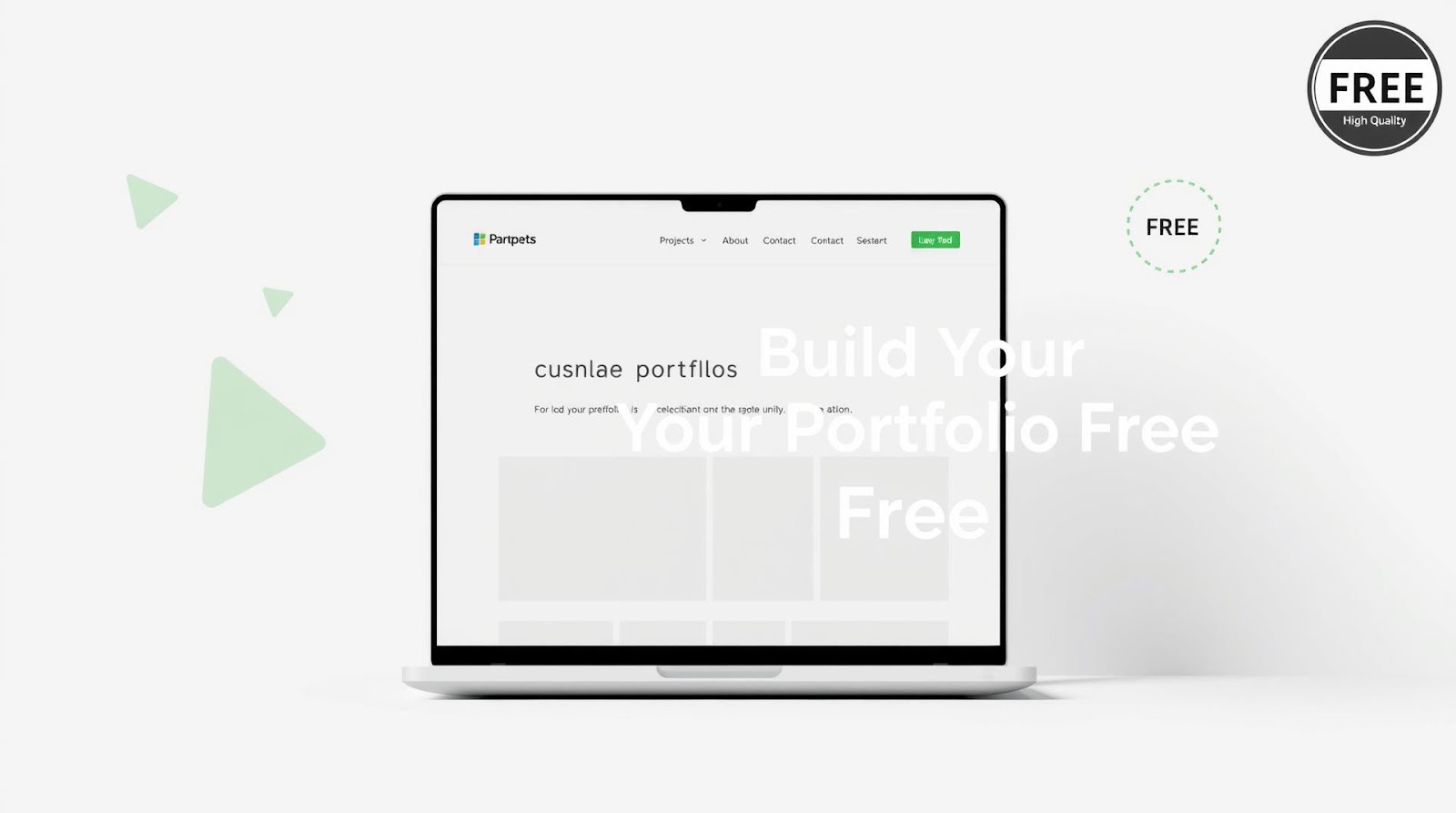
I remember the exact moment I realized my resume was invisible.
It was 2019. I was three years into my first job, thinking about switching to something more interesting. I'd send out my CV to recruiters, get maybe one response per ten applications, and then... nothing. Radio silence. My LinkedIn got a few views, but it felt like shouting into a void.
Then a friend sent me his portfolio website. It was simple—just a few pages showing his projects, his writing, and his thinking. Within two weeks of adding that URL to his resume, he got three serious opportunities.
That's when it clicked for me: a resume is what you're forced to put on a form. A portfolio is what you actually want people to know about you.
Fast forward to today, and I've built three different portfolio websites (yes, I overthink things). And honestly? The best one didn't cost me a single rupee. It took maybe a weekend, some free tools, and a bit of patience. Let me walk you through exactly how to do it.
Why a Portfolio Matters More Than Your Resume
Here's the thing—recruiters are tired. They're scrolling through 200 CVs, all looking the same. Same format. Same bullet points. Same "achievement-oriented professional with strong analytical skills." (That phrase makes me want to scream.)
A portfolio is different. It's proof.
You can claim you're good at data analysis, but can you show it? You can say you understand UX, but do you have actual projects that demonstrate that? A portfolio answers the question every recruiter is really asking: "Can you actually do what you say you can do?"
I've seen candidates with mid-range CVs land senior roles because their portfolio was so solid, so thoughtful, so honest. And I've seen impressive-looking resumes get ignored because there was nothing behind them.
It's not about being perfect. It's about being real.
Who Actually Needs a Portfolio?
If you're in tech, design, writing, data, marketing, or anything creative—yes, absolutely. But honestly? Anyone job-hunting benefits from one. Even if you're in finance or operations, a portfolio showing your analytical projects, your side interests, your thinking—that's gold.
The only people who don't need one: maybe lawyers and doctors. Everyone else? Build one.
The Real Advantage (That Nobody Talks About)
Here's what surprised me when I built my first portfolio: it forced me to actually think about my work. I had to explain my projects. Justify my decisions. Articulate why I did something instead of something else.
That clarity? It changed how I interview. When a recruiter asks "Tell me about a time you...", I'm not fumbling for examples. I've already written them down, thought about them, and understand what made them worth including.
Your portfolio isn't just for them. It's for you.
The Free Tools That Actually Work
And honestly? This is where I get excited. Because five years ago, building a website meant either paying someone ₹30,000+ or spending six months learning code. Now? You have options that are genuinely excellent.
I've tested most of them. Here's what actually works:
| Platform | Best For | Learning Curve | Free Version Quality |
|---|---|---|---|
| GitHub Pages + Jekyll | Tech professionals, writers, developers | Medium (coding basics helpful) | Excellent—truly professional |
| Webflow Free Tier | Designers, anyone who wants full control | Medium-High (but intuitive) | Very good—limited but functional |
| Notion | Non-technical professionals, quick setup | Very Low | Good—looks polished immediately |
| WordPress.com Free | Bloggers, writers, generalists | Low | Decent—but limited customization |
My Honest Take on Each
GitHub Pages is my pick for developers and data professionals. Why? Because it's genuinely free, you get your own domain (username.github.io), and it looks like you actually know what you're doing. Yeah, there's a tiny bit of command-line work, but if you can navigate a terminal, you're fine. Plus, your code lives on GitHub anyway—it's one less tool.
Notion is the dark horse here. I showed it to my non-technical friend last month, and she built her entire portfolio in four hours. It's drag-and-drop, it looks modern, and you can publish it as a public page. The free version has limits (subdomain only, not custom domain), but for someone starting out? Perfect.
Webflow is powerful but honestly overkill unless you're a designer. The free tier is generous, but you'll hit limitations fast. If you're willing to spend ₹500-1000/month down the line, it's worth learning. Otherwise, skip it for now.
WordPress.com feels dated to me. It works, but your portfolio will look like a blog, not a professional digital home. It's not bad—it's just... fine. And you want better than fine.
What Actually Goes Into Your Portfolio
This is where people overthink.
You don't need 47 projects. You don't need a blog (though it helps). You definitely don't need a video of you talking about yourself (please don't do that). You need a few smart things, done well.
The Essentials
1. A Clear Homepage — This takes 30 seconds. Your name. One line about what you do. A photo (professional but real, not a corporate headshot). A way to reach you.
That's it. Don't overthink it.
2. Your Best 3-5 Projects — Not every project you've ever done. The ones you're actually proud of. For each one: what was the problem? What did you do? What was the outcome? (Numbers help: "Reduced query time by 40%" beats "Optimized queries.")
This matters: explain your projects like you're talking to someone who won't understand the jargon. Assume they're smart but not in your field.
3. A Concise About Section — One paragraph. Who are you? What's your thing? Why should someone care? Don't list technologies. Save that for project descriptions.
4. Links to Your Work — GitHub repo? Link it. Published article? Link it. Case study? Absolutely.
You don't need your full resume on the website. That's what your CV is for. But you can link to a downloadable PDF if you want.
What You Probably Don't Need
Blog section? Only if you actually write consistently. Don't start one, post once, then let it sit for eight months. Testimonials? Nice but not necessary. A "Services" page? Only if you're freelancing. A contact form? Yes, but keep it simple. Fancy animations? No. Every animation you add makes your site slower and looks less professional.
Here's the golden rule: if you're not sure about it, don't include it. Your portfolio should feel intentional, not cluttered.
The Step-by-Step Process (Takes a Weekend)
I'm going to walk you through Notion because it's the fastest. If you want GitHub Pages, the process is similar but with more command-line stuff—I'll point you to resources.
Option 1: Notion (Fastest Route)
Step 1: Create a new Notion page. Make it public (Share button → Public → Copy link).
Step 2: Add a cover image (unsplash.com has free images—use something clean, not distracting).
Step 3: Create sections with Heading blocks. Something like:
- Hero section (Your name, photo, one-liner)
- Featured Projects
- About
- Contact
Step 4: Under "Featured Projects," create a database. Add cards for each project with: name, description, link to project/GitHub, and a thumbnail image.
Step 5: In the About section, write a genuine paragraph about yourself. Not corporate speak—actually you.
Step 6: Add a button or link for "Email me" (use a mailto: link, or embed a simple form from Formspree—also free).
Total time: 2-3 hours if you're deliberate. You'll have a live portfolio before Saturday evening.
The free Notion subdomain is automatic. You can't use a custom domain without paying, but honestly? notion.so/yourname looks professional enough.
Option 2: GitHub Pages (For Tech Folks)
Assuming you know git:
- Create a repository named
username.github.io - Clone it locally
- Find a free Jekyll theme (jekyllthemes.io has hundreds)
- Download the theme, customize the config file with your info
- Add your projects as posts or pages
- Push to GitHub
Your site goes live at username.github.io. Boom.
I did this in one afternoon. If you know how to code, this is the cleanest option.
The Part Everyone Skips (And Shouldn't)
So you've built your site. Great. Now what?
This is where most people fail. They show it to one friend, get a compliment, then never touch it again. Six months later, it's outdated.
Here's what actually matters:
Update it quarterly. Not because you have to—because you should have new work to show. If you're three months into a project and it's going well, draft a project description. When it's done, add it to your site.
Share it selectively. When you're job hunting, mention it in your cover letter. When you're cold-emailing someone you want to work with, include the link. When someone asks what you're working on, send them the portfolio link instead of just your CV.
Use it as a thinking tool. If you're applying for a role and you realize your portfolio doesn't show that skillset, that tells you something. Either you need to do projects that demonstrate it, or that role isn't the right fit.
And here's the thing: once it exists, it works for you in the background. Someone finds your GitHub, clicks through to your portfolio. A hiring manager Googles your name and sees your site instead of just your LinkedIn. A potential collaborator checks out your thinking. You're not doing anything, but doors keep opening.
Final Thoughts
I used to think a portfolio was something you made when you were already successful. Like, once you'd done impressive things, you'd show them off.
I had it backwards. Building a portfolio is part of getting there.
Because it forces you to take yourself seriously. To think about your work, articulate what you've learned, and believe that it's worth showing. And when you do that—when you actually sit down and say "Here's what I've built. Here's why it matters."—something shifts. You stop waiting for permission to be the thing you want to be.
Your portfolio doesn't have to be flashy. It doesn't have to be perfect. It just has to be real. And it has to exist.
So pick a tool. Spend a weekend. Build it. Then go show people what you can do.
The internet's waiting.
Written by Dattatray Dagale • 14 April 2026




.png)
.gif)



0 Comments